
Generate Your Own Leads In 30-Days
BECOME YOUR OWN
MARKETING
DEPARTMENT
This masterclass will teach you how to do it yourself — from setting up your online presence and creating content to running paid Facebook and Instagram ads that actually bring in leads and sales.

pick a module
Choose Your Plan
CONTENT CREATION
7+ Videos
30 Day Guarantee
25min Consultation Call
MARKETING
8+ Videos
30 Day Guarantee
25min Consultation Call

FULL COURSE
16+ Videos
30 Day Guarantee
45min Consultation Call
CONTENT CREATION
7+ Videos
30 Day Guarantee
25min Consultation Call
MARKETING
Complete Facebook Ad Setup
30 Day Guarantee
25min Consultation Call
FULL COURSE
16+ Videos
30 Day Guarantee
45min Consultation Call
Client Mini-Stories
In September 2025 we spent R5,987 and got 18 solid enquiries for Black Pearl—working out to R332.63 per lead. The creatives looked premium, targeting was on point, and the leads were actually ready to book.

We ran our own ads over a few months and the results just kept getting better as we refined things. June ’25: Spent R9,674 → 120 leads (R80.61 CPL). July ’25: Spent R7,531 → 116 leads (R64.93 CPL). Aug ’25: Spent R7,639 → 264 leads (R28.94 CPL). The big shift came from sticking with it—testing creatives weekly, tightening targeting, and retargeting people who engaged. Once the pixel had more data and we dialed in the offer, costs dropped and volume spiked

E-Commerce Product Launch 6 month timeline: We kept our ads running and refining for six months and saw steady compounding results. Post engagements: 658,865 at R0.01 each (great for social proof and reach). Landing page views: 26,485 at R0.16 each (cheap traffic to the site). Page likes & followers: 1,049 at R0.30 each (audience growth for future launches). Website leads: 1,217 at R8.84 each. The big win was consistency—testing new creatives, tightening audiences, and retargeting. As the data built up, costs dropped and volume climbed.

Vehicle Buyer: We’re a vehicle-buying business and ran our own ads over three months while refining weekly. July: 977 website leads at R59.87 each, plus 10 retargeting leads at R27.01. August: 908 website leads at R90.99, plus 150 retargeting leads at R20.64. September: 810 website leads at R65.89, plus 127 retargeting leads at R23.44. Keeping campaigns on and iterating built a solid retargeting pool, retargeting stayed cheaper and quality improved as the pixel learned. Lead volume stayed consistent, costs stabilised, and we could forecast bookings week to week.

Niched Restaurant We switched bookings to WhatsApp and kept the ads running from July to September. Ended with 190 booking-request messages at an average R12,82 each. The biggest win was speed, less back-and-forth on the phone, faster confirmations, and a clearer view of busy nights from the inbox.

Restaurant Pub & Grill Ran WhatsApp booking ads from July to September and kept tweaking weekly. Ended with 243 booking messages at R39.56 each. Our video ads also pulled 80,077 thruplays at R0.04, which warmed up the audience nicely—more people seeing the menu and messaging to book. Cleaner inbox, faster confirmations, and a steadier flow of tables.

Niched Weighing Instrumentation Company We’re in niche weighing instrumentation and kept our ads running from July to September while we refined weekly. We pulled 1,732 landing page views, generated 21 website leads at R549,25 each, and grew the page by 136 new followers at R2.12. The steady run helped us narrow to the right verticals, lead quality improved, and the sales team got clearer enquiries instead of generic requests.

We’re an e-commerce business (firewood) and decided to keep our ads running over a few months while we refined the setup. The longer we ran, the better the results got. April ’25: Spent R6,770.87, brought in R46,719.20 (ROAS 6.9). May ’25: Spent R6,943.41, brought in R72,338.90 (ROAS 10.4). June ’25: Spent R13,484.56, brought in R13,494.56 (ROAS 11.3). Key changes that made the difference: tightened delivery-area targeting, refreshed creatives with winter use-cases, added a simple bundle offer, and kept retargeting site visitors. Running consistently (instead of once-off boosts) let the pixel learn and the campaigns compound, more sales, lower cost per sale, and far steadier revenue.

UNLOCK THE PROVEN STRATEGIES THAT DRIVE LOCAL BUSINESS GROWTH
What Is Inside The Course?
Module 1 - Introduction
1.1 Domain Setup
This video shows why a custom domain and email (e.g., [email protected]) instantly boosts professionalism and trust compared to a generic Gmail. You’ll learn what a domain is, how to search and register one on domains.co.za (with backup TLD options), create your email in cPanel, and connect it to Microsoft Outlook using the correct IMAP/SMTP settings—so you’re up and running fast.

1.2 Accounts That Will Help
This video walks you through four must-have accounts to run and market your small business like a pro. You’ll see how to edit quick videos with CapCut (free), design polished posts with Canva (Pro recommended), write faster and smarter with ChatGPT (Plus for best results), and send VAT-ready quotes/invoices with Zoho Books. Step-by-step signup tips included so you can set them up in minutes and save hours every week.

1.3 Facebook Ads Manager Setup
Learn how to set up a proper Meta Business Account (formerly Business Manager) so all your Facebook and Instagram assets live in one secure hub. You’ll create the account, add or claim your Page, ad account and Instagram, assign the right permissions to team members or agencies, and set up billing—so you’re ready to scale campaigns with structure, accountability, and zero admin chaos.

1.4 Facebook Pixel Install
This video explains what the Meta (Facebook) Pixel is and why it’s essential for tracking leads/purchases and letting Meta’s machine learning optimise your ads. You’ll learn the fastest setup: create/find your Pixel ID, install it on WordPress via the official plugin (or partner integrations like Shopify), configure conversion events (e.g., a “thank-you” URL), and verify with the Meta Pixel Helper—so you can measure results, compare ads, and scale with confidence.

Module 2 - Content Creation
2.1 How To Come Up With Content Ideas
Struggling for post ideas? This video gives you a simple 6-step system to generate content fast: find inspiration (Reels/Pinterest), plan and batch monthly, test different formats, learn from your analytics, tap seasonal moments, and involve your audience. With practical examples and easy workflows, you’ll save time and create posts that actually resonate—and grow your business.

2.2 How To Film Content
Learn the 10 composition guidelines that instantly make your photos and videos look professional: fill the frame, use rule-of-thirds or symmetry, create depth, balance diagonally, and guide the eye with leading lines and natural frames. You’ll also learn to keep horizons straight, choose a clear dominant subject, and be intentional about every element in the shot—so your visuals feel focused, cinematic, and on-brand.

2.3 How To Create Content on Canva
Learn the Canva basics to design professional social posts—fast—using free templates you can customise with your own text, colours, images, and logo. You’ll pick the right template, apply simple branding rules (2–3 colours, consistent fonts, clean layouts), then export and post in the correct format. The result: on-brand, eye-catching content without a designer.

2.4 How To Edit Video Content
Edit engaging social videos on your phone with CapCut—no paid tools needed. This beginner tutorial shows you how to install the free app, import and reorder clips, zoom the timeline, trim/split mistakes, undo changes, and add simple transitions, text, and auto-captions. You’ll also learn three easy formats to replicate (talking heads, skits, and stitch videos) so you can turn ideas into polished posts fast.

2.5 How To Schedule Posts & Descriptions
Save time and stay consistent by scheduling Facebook and Instagram posts in Meta Business Suite. This video shows you how to plan in the Planner, create posts/reels, pick smart posting times, and schedule with a click. You’ll also learn our fast caption workflow: analyse the content, draft with ChatGPT, then tweak to sound natural and add a clear CTA—so every post feels on-brand and engaging.

Module 3 - Markerting
3.1 Paid vs Organic Marketing
This video explains organic vs paid marketing—what each is, real examples, and the trade-offs (trust and longevity vs. speed and scale). You’ll learn when to use each, why a balanced mix works best, and how to turn a strong organic post into a high-performing ad using a simple formula: Hook → Clear Value → CTA.

3.2 Facebook Ad Objectives
Choosing the right Meta objective determines who sees your ads and what they do. This video breaks down the six objectives—when to use Leads or Sales (most of the time), and the limited use cases for Traffic, Engagement, Awareness, and App Promotion—plus how performance goals (e.g., “maximise conversions” vs “link clicks”) make or break results. You’ll learn to align objective + performance goal to your real outcome and avoid common traps.

3.3 How To Create Ads on Facebook
Set up a Meta ads campaign from scratch the right way—inside Ads Manager. You’ll learn the three layers (Campaign → Ad Set → Ad), why to choose Manual over Tailored, and how to pick conversion-focused settings (objective, performance goal, pixel event), budgets, targeting, placements, and naming. Then we build the creative: image vs video, copy/headline variants, CTA, sizing for placements, preview, and publish—plus quick checks so your link, policy compliance, and tracking are all correct.
3.4 Boosting vs Campaign Setup
This video compares the quick “Boost Post” button with full campaign setup in Ads Manager—what each does, the trade-offs, and when to use them. You’ll see why boosting is fine for simple visibility/engagement, but Ads Manager gives you real control: objectives (leads/sales), advanced targeting, placements, testing, and deeper analytics. Bottom line: boost for quick wins; use Ads Manager for measurable growth.

3.5 How To Create Brand and Not Post
Stop “posting just to post” and start building a brand people recognise and trust. This video shows how to define your values, keep a consistent style (colours, fonts, tone), and use storytelling and engagement to stand out. You’ll learn to plan with purpose—set objectives, know your audience, and prioritise quality over quantity—so every post moves your business forward.

Module 4 - Bonus
4.1 Company Apparel
Look legit from day one with simple branded apparel. This video talks how a shirt, cap, or jacket with your logo boosts credibility at client visits, creates a strong first impression, and doubles as free, everyday advertising. You’ll get scrappy, low-cost ways to start (buy basics, add local printing) so even a one-person team looks like a real brand.

4.2 How To Outsource Creative Work
Save time and get pro-quality visuals by outsourcing your creative work. This video shows where to find reliable freelancers (Fiverr, Upwork, Freelancer, Facebook groups), how to brief them step-by-step, and what to check (portfolios, reviews, clear timelines). You’ll also get practical tips—start small, communicate clearly, and build long-term relationships—so your brand looks polished while you focus on running the business.

- Digital Marketing Specialist
- Marketing Strategist
- Video Content Producer

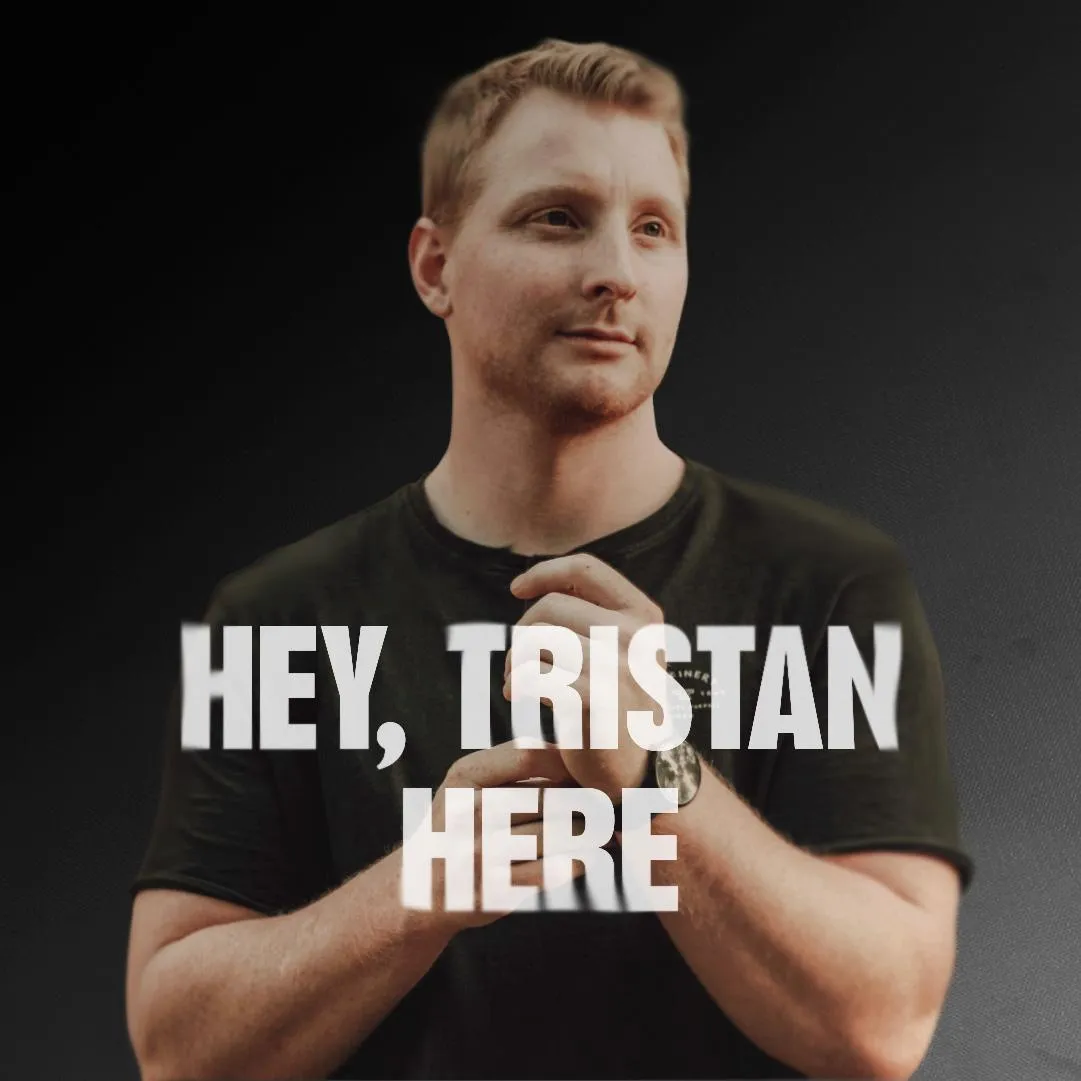
Learn from a proven marketing expert!
Tristan has built this masterclass to bring real
marketing value to businesses that don’t have the budget for an agency or resources to hire a full marketing team. With years of hands-on experience, he’s sharing the exact strategies and tools that assist small businesses grow smarter, run campaigns that convert, and get results without the high costs of traditional marketing.
Got any Questions?
VALUE
After Completing Course!
As a special bonus, when you complete the course, you’ll get a personal consultation call with me—your instructor. This is your chance to have an expert review everything you’ve set up, whether it’s your ads or your content.
In this one-on-one session (25 or 45 minutes), I’ll walk through your work with you, give tailored feedback, and help you fine-tune what you’ve created. It’s like having an expert look over your shoulder, giving you actionable advice to make sure you’re on the right track.
This is where your learning becomes real, and you get the confidence to know that you can do it all yourself!
Who's This Perfect For?
SMALL BUSINESS OWNERS
STARTUP FOUNDERS
FREELANCERS & CONSULTANTS
E-COMMERCE STORE OWNERS
NON-PROFIT ORGANISATIONS
MARKETING STUDENTS
SIDE HUSTLERS
CORPORATE MARKETERS
VIDEO CREATIVES
STILL NOT SURE?

*100% Satisfaction Guaranteed
We want you to find value in our trainings!
We offer full refunds within 30 days, if you're not satisfied.
Got any Questions?
Copyrights 2025 | VideoView™ | Terms & Conditions